Project

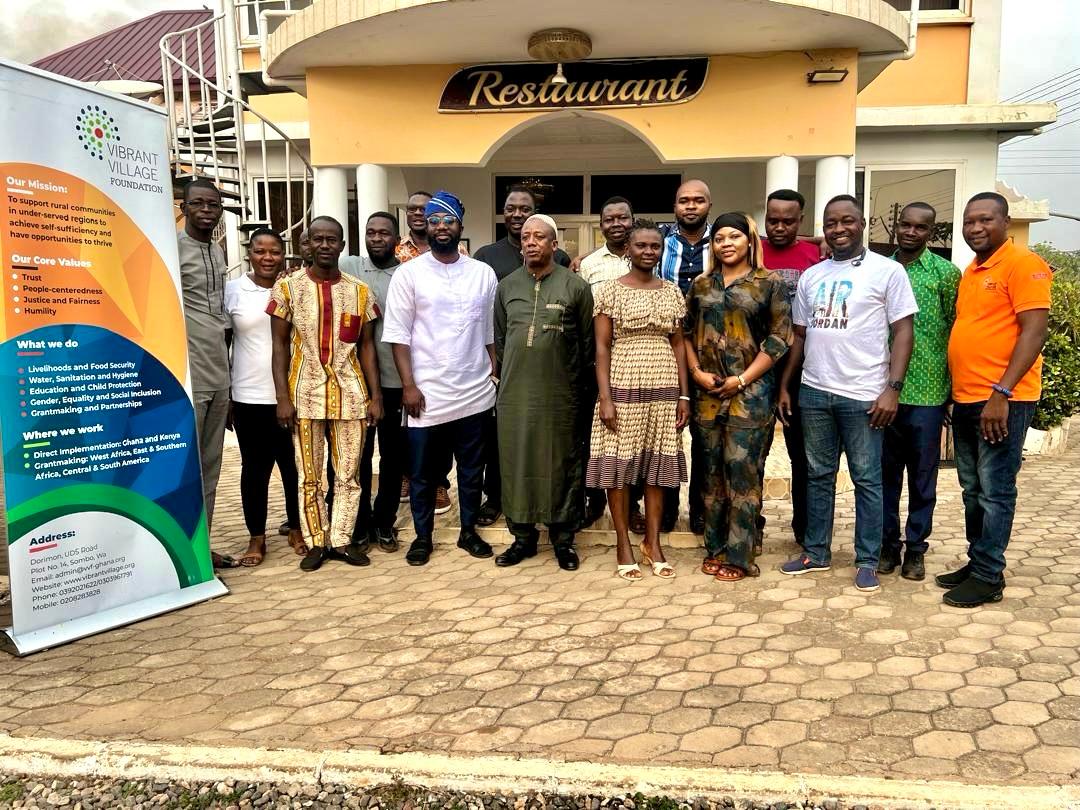
VVF Staff Digital Skills and AI Training (Wa)

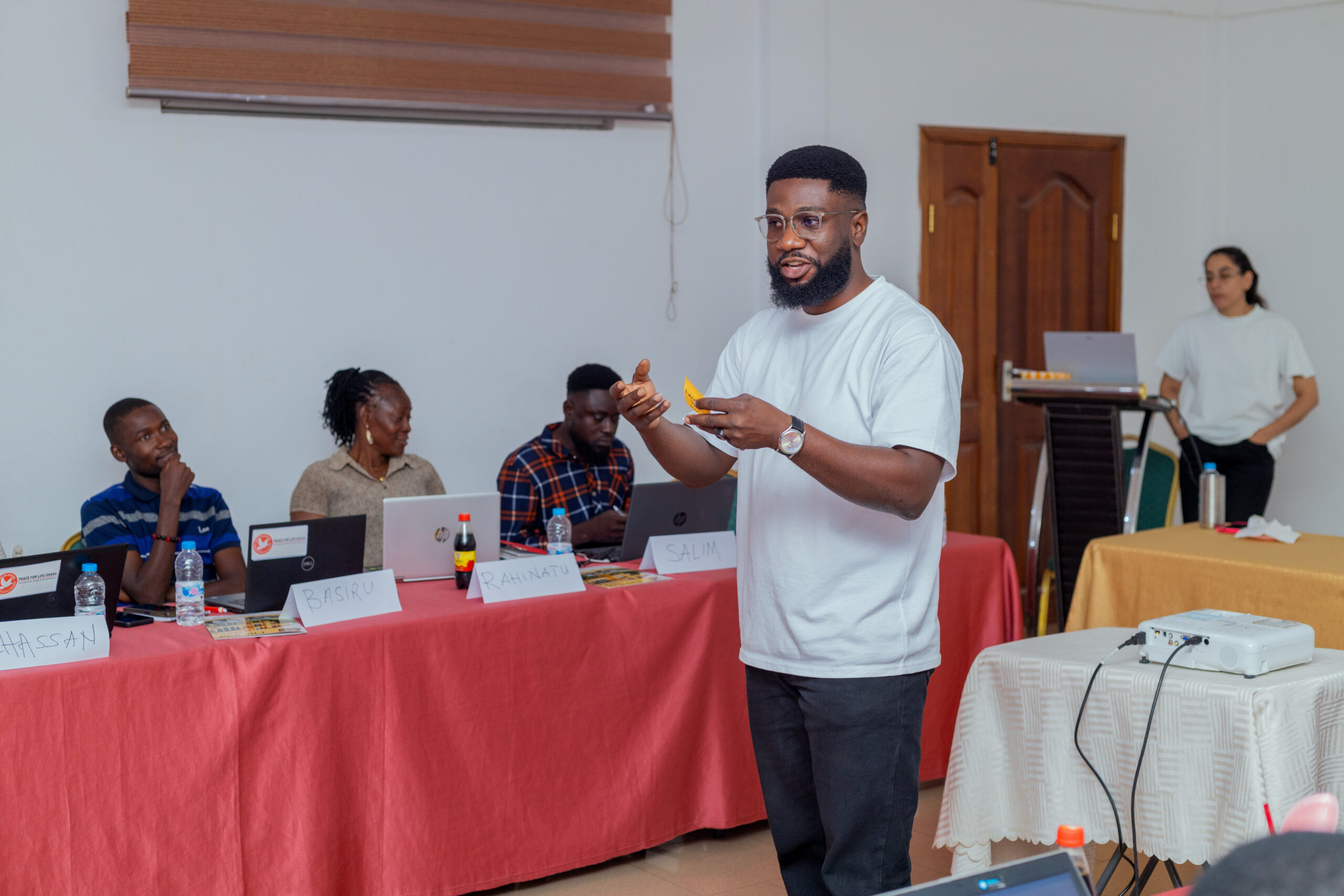
A hands-on 3 day training to help staff use AI responsibly, improve collaboration with Google Workspace, and create clean, consistent outputs with Canva.

Client Vibrant Village Foundation
Location Wa, Ghana
Focus AI, Google Workspace, Canva
Role Lead Facilitator

Overview

This training was delivered to strengthen staff confidence with modern digital tools used in daily work. The focus was practical: use AI to draft and improve documents responsibly, collaborate better with Google tools, and package outputs into clean, communication-ready designs using Canva.

The sessions were designed for immediate adoption, with guided practice, group exercises, and real work examples relevant to reporting, coordination, and communication.

What participants built

  • One AI assisted draft report or summary with safe use practices
  • A shared Docs report template and a program tracker in Sheets
  • A working Google Form for basic data collection
  • A Canva poster and one slide aligned to internal communication needs

Training structure

3 days, built for real work

Each day mixed short explanations, live demonstrations, and hands-on practice.

Day 1

AI for development work

Generative AI basics, prompt techniques, and responsible use. Practical drafting exercises for reports and summaries.

  • Prompt building for clear outputs
  • Bias, privacy, and safe use habits
  • Drafting and refining real work text

Day 2

Google Workspace collaboration

Shared workflows using Docs, Sheets, Drive, and Forms. Basic templates and trackers teams can continue using.

  • Shared Docs templates
  • Trackers in Sheets
  • Forms for simple data collection

Day 3

Canva and integration

Branding basics, templates, and turning AI and Sheets outputs into clean visuals for communication.

  • Poster and one page designs
  • Slides for internal presentations
  • Export-ready outputs

How it was delivered

Simple, practical, repeatable

Hands-on practice first

Participants worked through real scenarios: drafting, collaborating, creating trackers, and producing communication assets.

Templates that stay useful

Shared templates were created with participants so they can keep using them without external support.

Responsible use habits

AI use was taught with clear boundaries: privacy, verification, and safe handling of sensitive content.

Results

What improved after the training

The focus was not theory. It was competence, speed, and quality of output.

More confident content drafting

Staff learned how to draft, refine, and summarize content using AI while applying safe practices.

Cleaner collaboration workflows

Shared Docs and Sheets improved coordination and reduced duplication of work.

Better presentation and design

Canva templates helped staff produce more consistent posters and slides that match internal needs.

Work with me

Need a practical training your team can actually use?

I deliver hands-on digital skills training and implementation support for teams, institutions, and organizations.

Scroll to Top